Getting Started
This page gets the PFC project open, flying in the test world, and shows the debug tooling you'll use while working on the flight model.
Open the project
- Launch the Arma Reforger Tools Workbench.
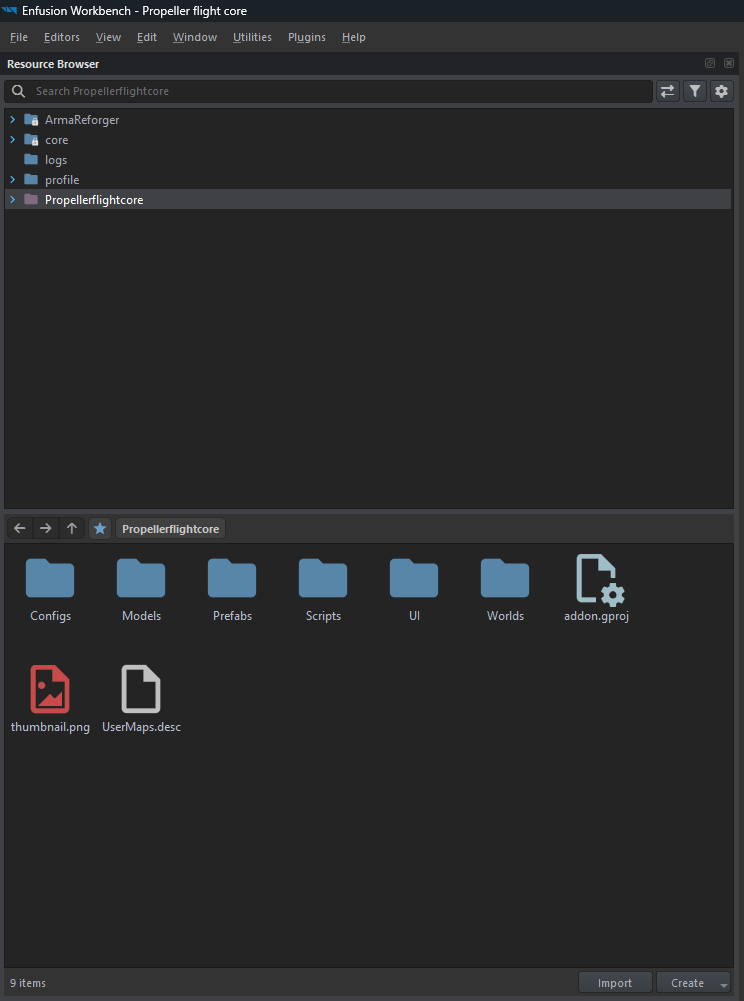
- Open the Propeller flight core addon (
addon.gproj, GUID69A8A34027DA65C5). - The mod depends on the Arma Reforger core (
58D0FB3206B6F859), which Workbench resolves automatically.
Fly it in the test world
Open Worlds/MP_Test.ent and enter Play mode, then get into the Cessna 172.
Default keyboard controls (full list on Input & Controls):
| Action | Key |
|---|---|
| Pitch | W / S (or Up / Down) |
| Roll | A / D (or Left / Right) |
| Yaw | Q / E |
| Throttle up / down | Shift / Ctrl |
The engine is always on - roll in throttle, build up speed on the runway, and ease back on pitch to rotate.
Debug overlay
PFC registers a debug menu under F6 → Prop Flight:
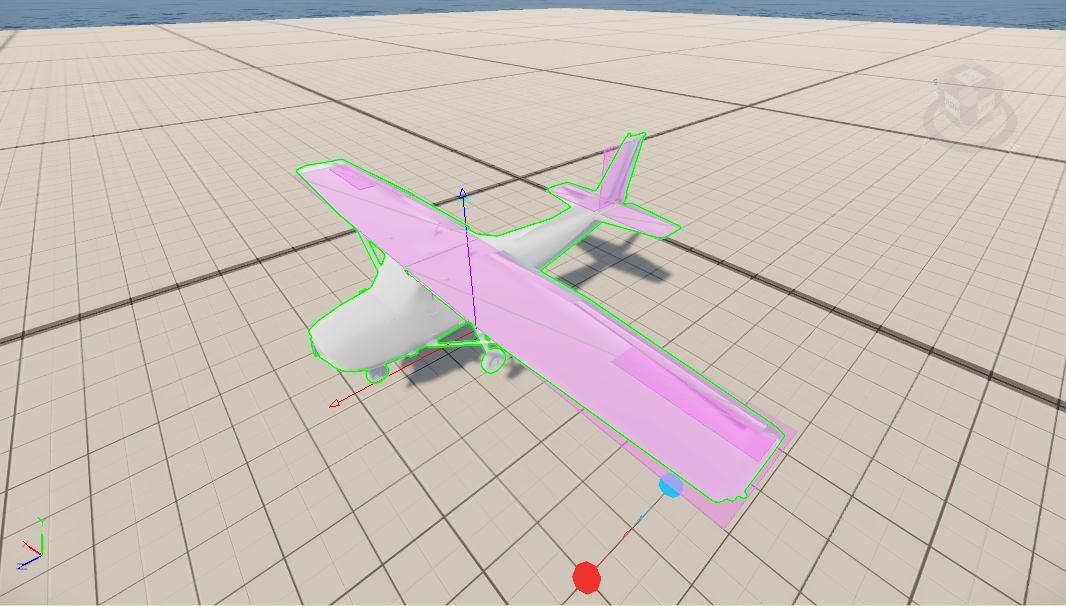
- Debug draw - draws body axes, per-surface force arrows and surface extents, the velocity/flight-path vector, the wind vector, the net-lift arrow, and a live data panel (AoA, pitch, flight-path angle, IAS, vertical speed, G-loads, wind speed).
- Setup approach - teleports the aircraft 1000 m up, points it into a gentle left bank at ~50 m/s with full throttle, for quickly testing handling without a manual climb.
Turn debug draw on at spawn
Set m_bDebugDraw to true on the PFC_FlightModel component in the prefab to have the overlay enabled
from the start, instead of toggling it via F6 each run.
Repository layout
Propeller flight core/
├── addon.gproj
├── Configs/
│   ├── ControlHints/AvailableActions.conf   # control hints (merges into the vanilla resource - see Input page)
│   ├── ProcAnims/PFC_Propeller.pap|siga      # propeller spin procedural anim
│   ├── System/chimeraInputCommon.conf        # shared PFC_ input actions merged into CarContext
│   └── System/keyBindingMenu.conf            # the "Airplane" controls tab
├── Models/                                   # Cessna172.xob, prop.xob
├── Prefabs/Vehicles/Cessna172.et             # reference airframe (inherits Wheeled_Base.et)
├── Scripts/Game/
│   ├── Utilities/PFC_PilotUtil.c
│   └── Vehicle/
│       ├── PFC_AeroSurface.c                 # single-panel lift/drag math
│       ├── PFC_AeroSurfaceConfig.c           # runtime aero params
│       ├── PFC_AeroSurfaceDef.c              # editable surface definition (+ mirror)
│       ├── PFC_FlightController.c            # pilot input → smoothed control values
│       ├── PFC_FlightModel.c                 # the flight model (forces, thrust, signals)
│       ├── PFC_FreeLookController.c          # device-aware cockpit free look
│       └── PFC_NwkMovementComponent.c        # owner → proxy state replication
├── UI/layouts/HUD/PFC_VehicleHUD.layout
└── Worlds/MP_Test.ent